You choose the tools
Give your AI access to the tools and information it needs. You decide what it can read or change.
AI EMPLOYEES. LED BY YOU.






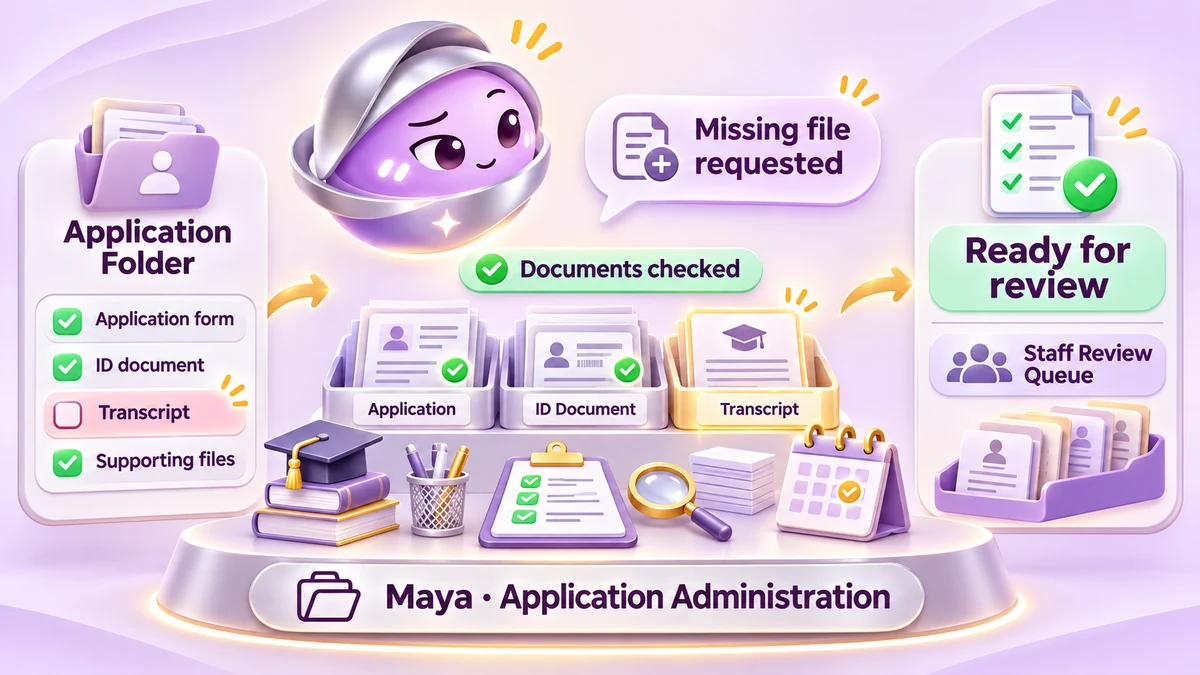


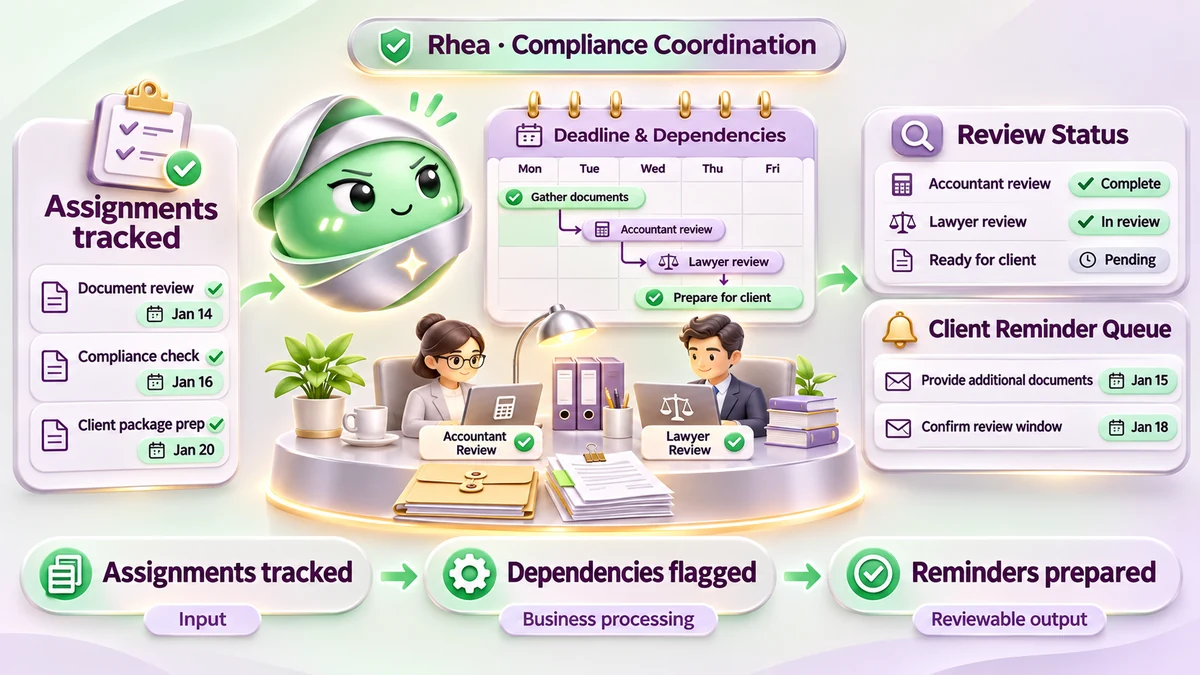
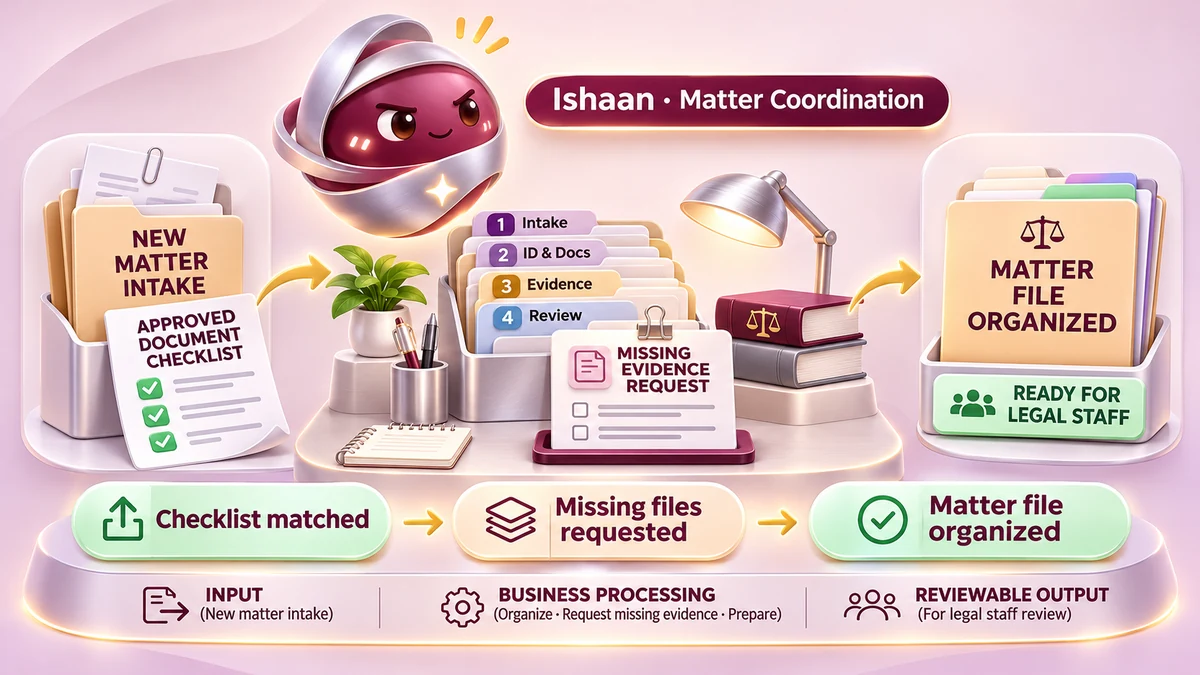
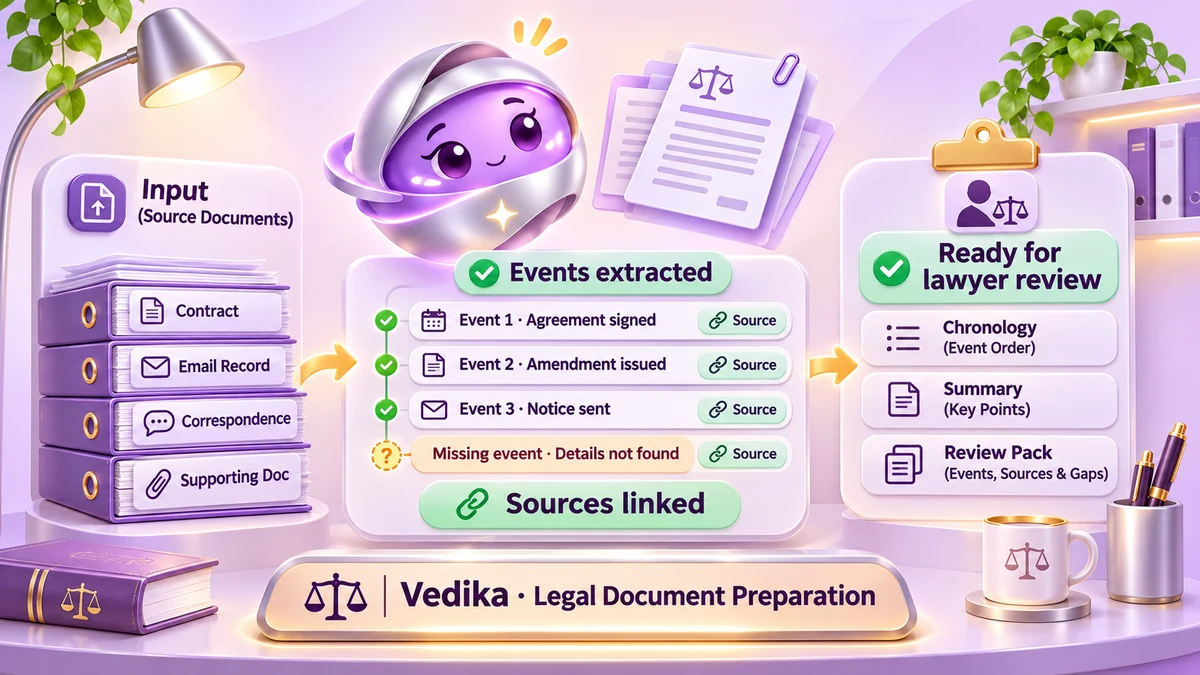

YOU STAY IN CONTROL
Choose the tools it can use, what needs your approval, and who it should ask for help.
Give your AI access to the tools and information it needs. You decide what it can read or change.
Let your AI handle routine tasks on its own. For actions that need your approval, it asks before moving ahead.
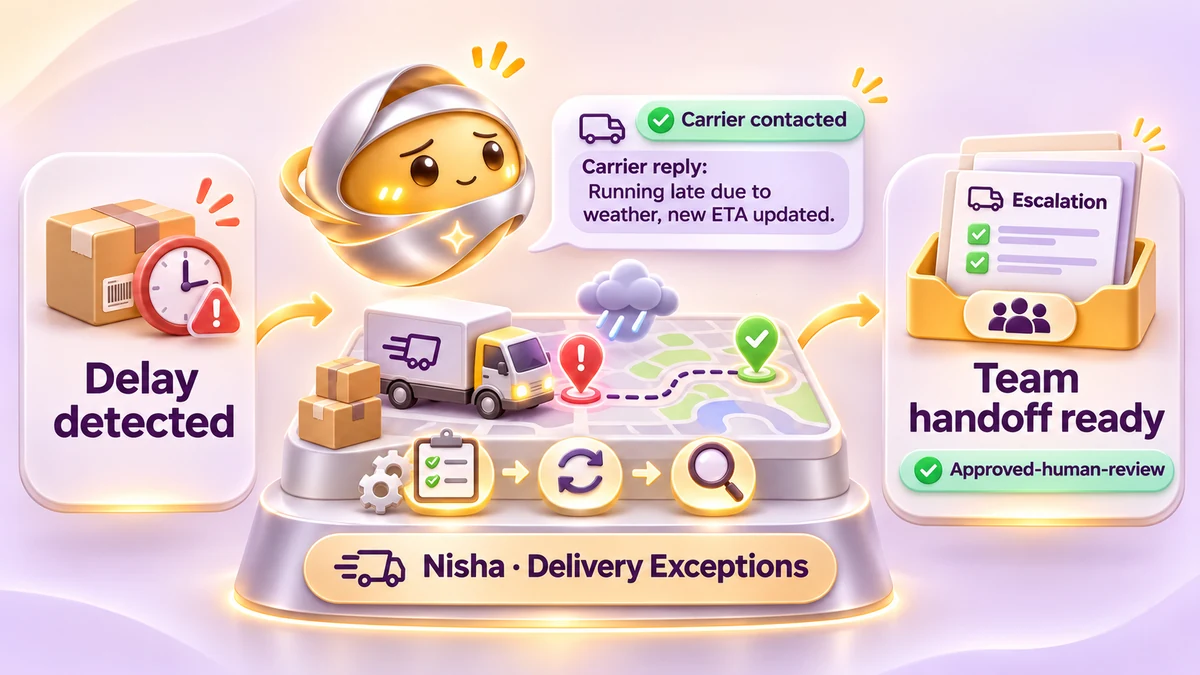
If something is missing or a task gets stuck, your AI tells the person you choose and explains what it needs.
Talk to your AI employee. It chooses which workflow or business rule to call and brings the result back to you.
Your team Request, discuss, review
Your point of contact. An AI employee understands the request, asks for context, coordinates the work, and follows up with your team or customer within the agreed scope.
Run complex, repeatable processes in a fixed order. An AI employee can call several workflows so critical checks, approvals, and handoffs follow the same rules each time.
Give the AI employee a server it can call to check a rule, run a calculation, or retrieve a specific value. The result goes back to the AI employee.
HOW IT WORKS
Set the direction. We handle the technical setup, testing, and ongoing backend support within the agreed scope.
Tell us what the AI employee should own, what success looks like, and which decisions stay with your team.

Invite us to the tools we need or share credentials securely. Confirm what the AI employee can view or change and which actions need approval.
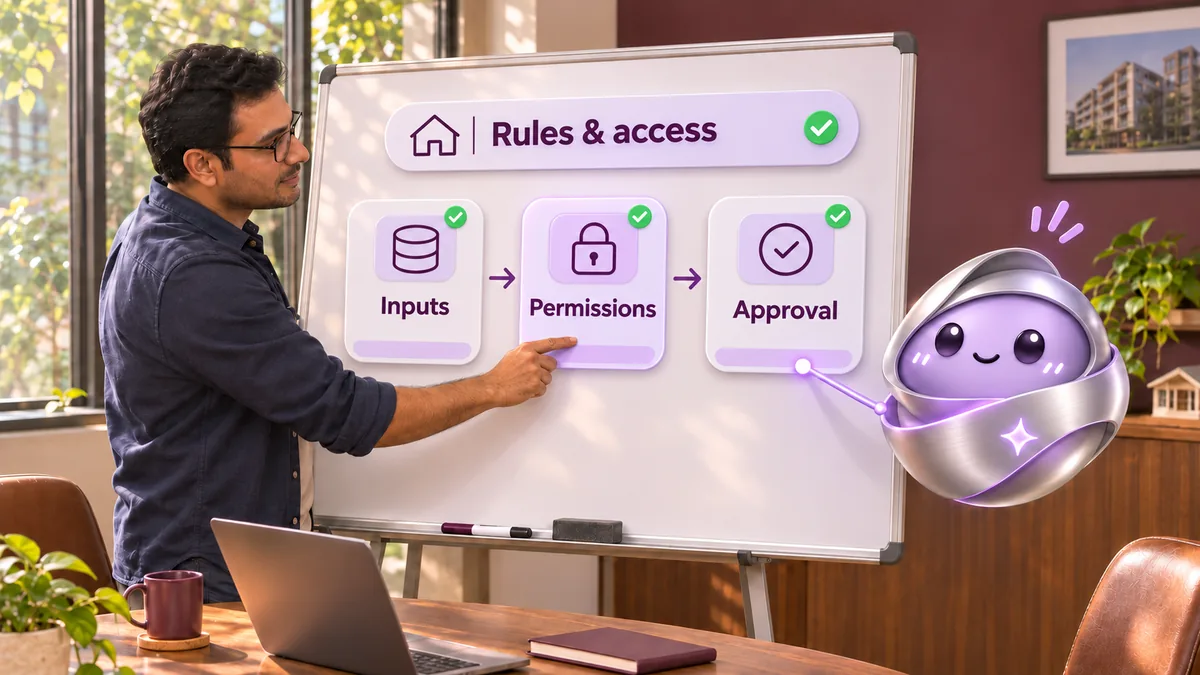
We connect the tools and test the agreed work, including how the AI employee handles missing data and failed actions. Your team reviews the results before launch.
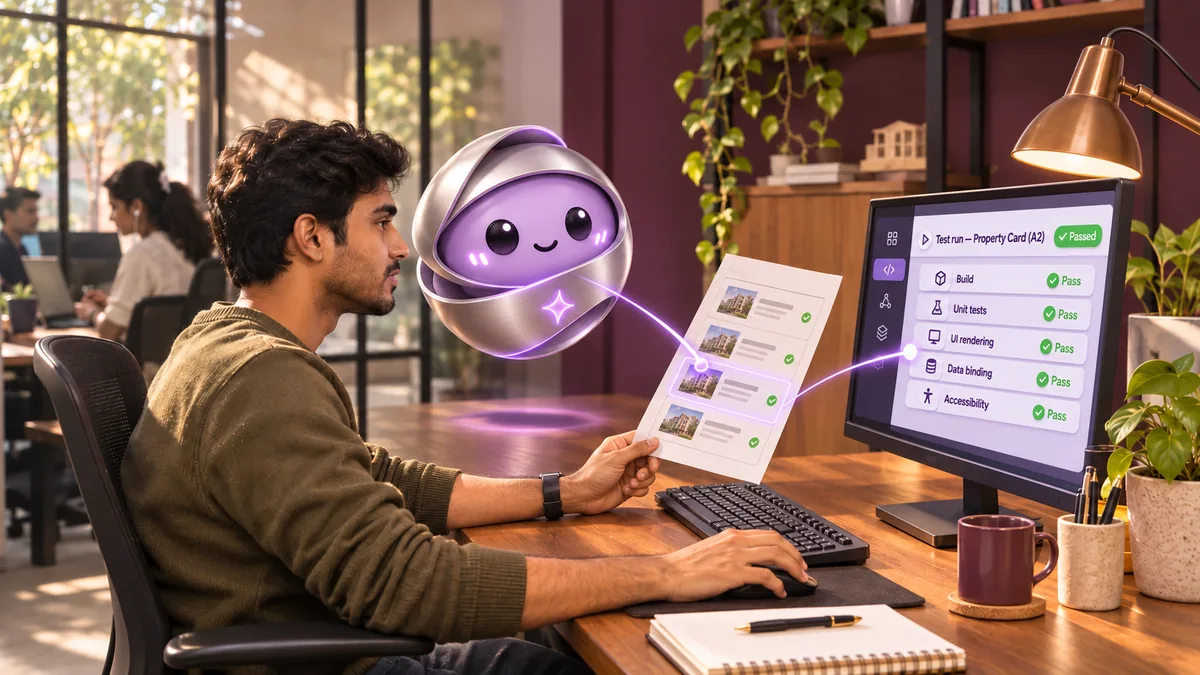
We monitor and maintain the backend. You direct the AI employee, review what it delivers, and refine its instructions as the work evolves.

FEATURED WORK
See what teams delegated in retail security and hosting operations, and how exceptions reach the people responsible.
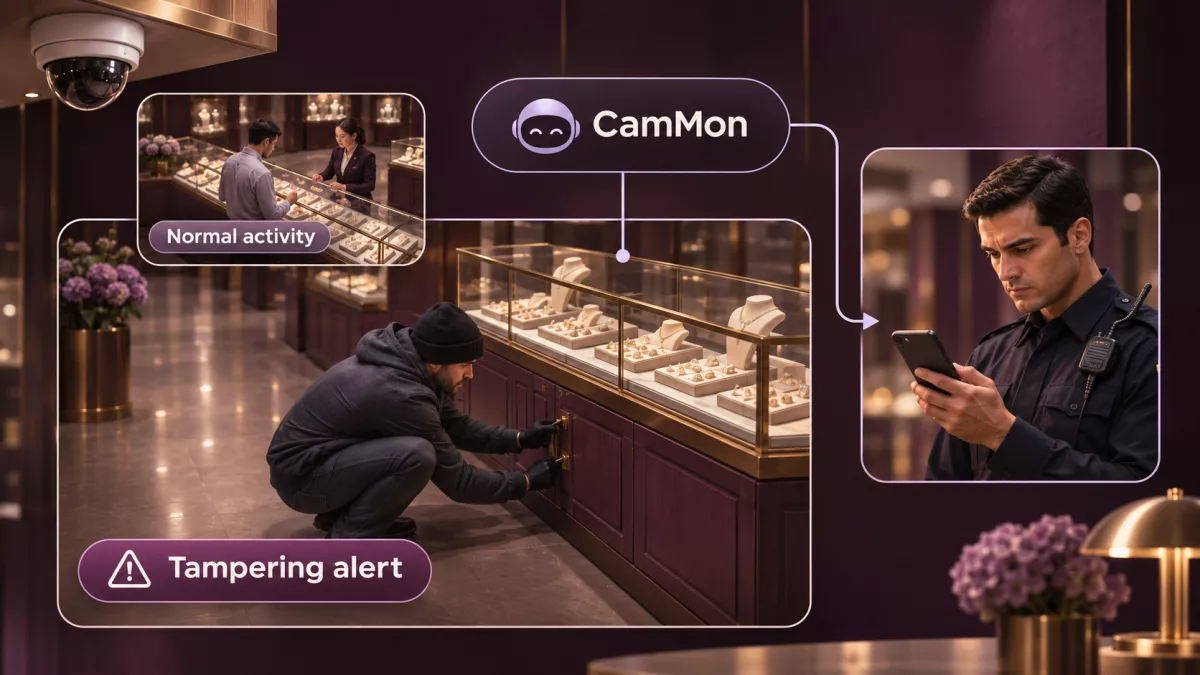
CamMon uses the client’s existing CCTV systems to monitor security across 70 jewellery stores around the clock. It flags potential threats for the security team and reported 71 genuine incidents in 10 months, saving staff monitoring time.
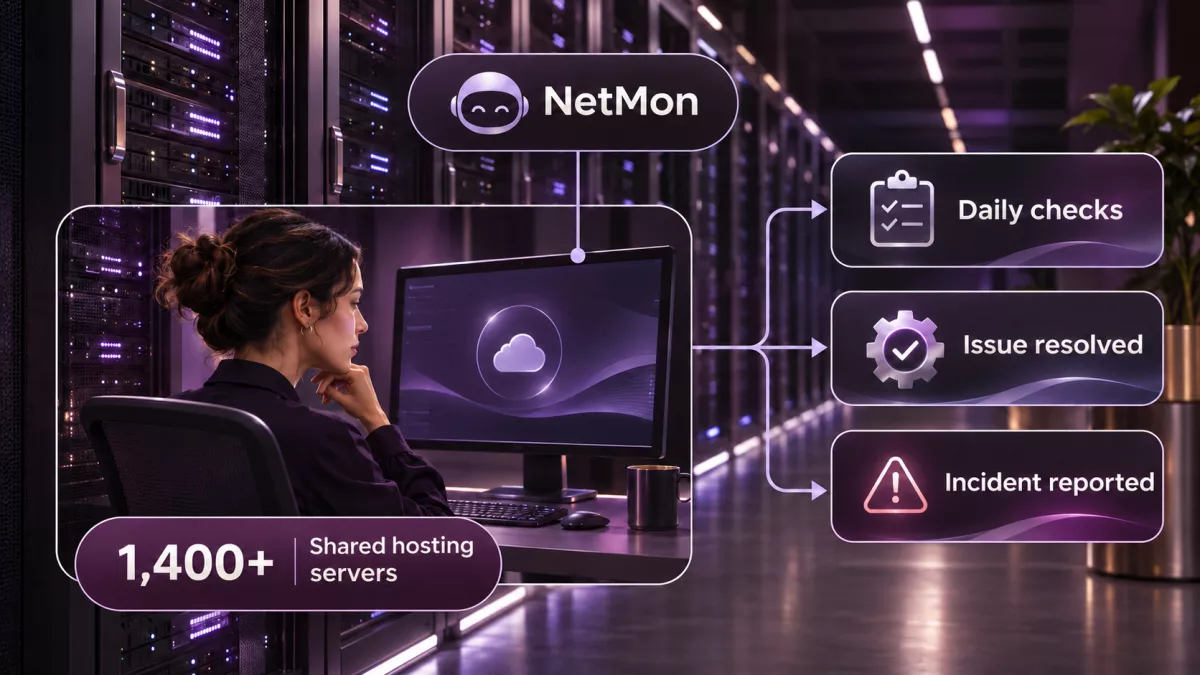
NetMon checks more than 1,400 shared hosting servers and a fleet of dedicated servers. It runs daily checks, monitors around the clock, resolves issues within its approved scope, and sends incident reports to the operations team.
INDUSTRIES
Explore where AI employees can support your business. Start with a department and the responsibility you want to delegate.

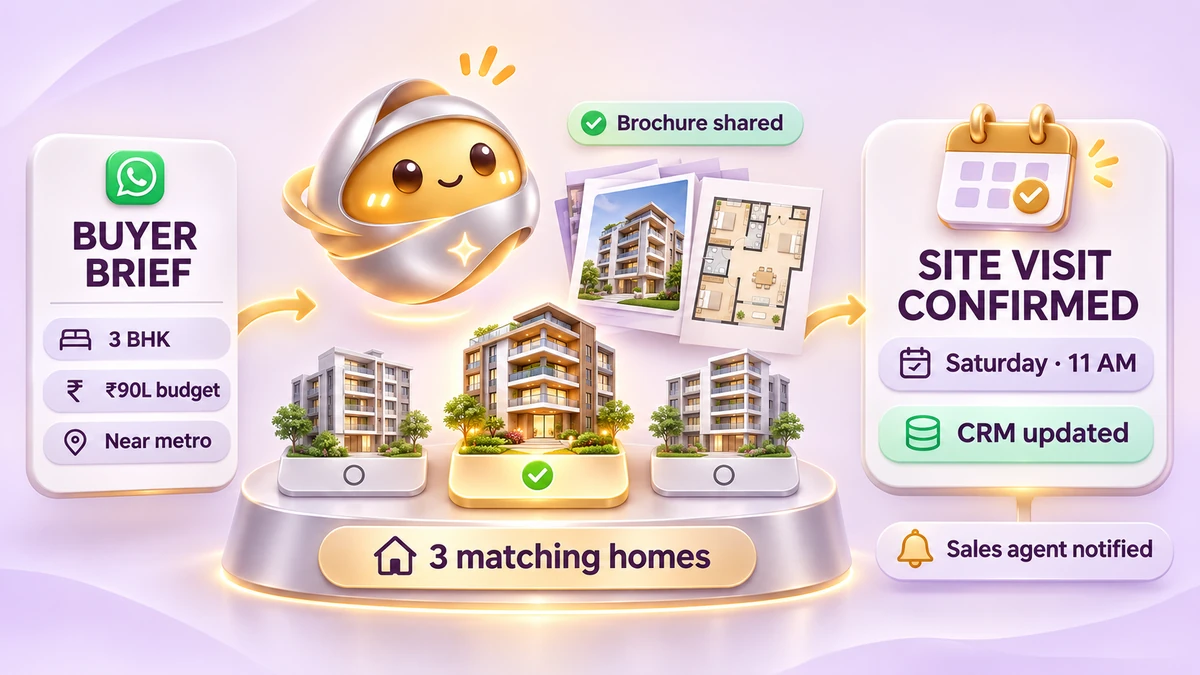
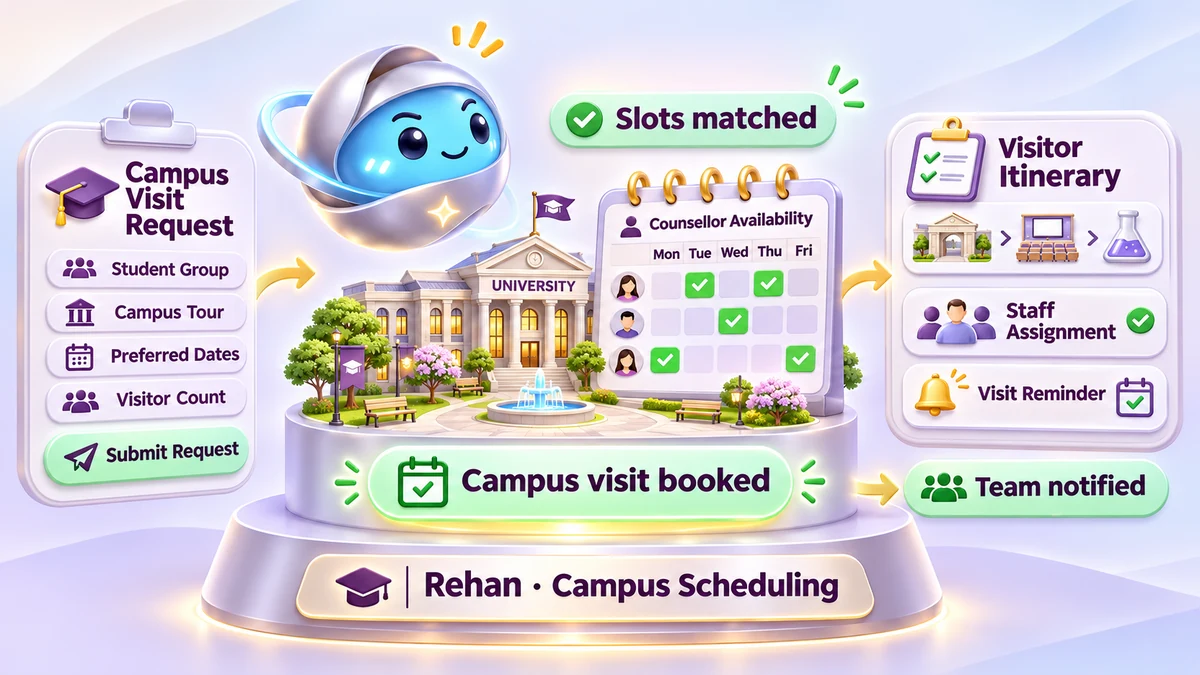
Support buyer enquiries, property marketing and visit coordination.
Explore industry
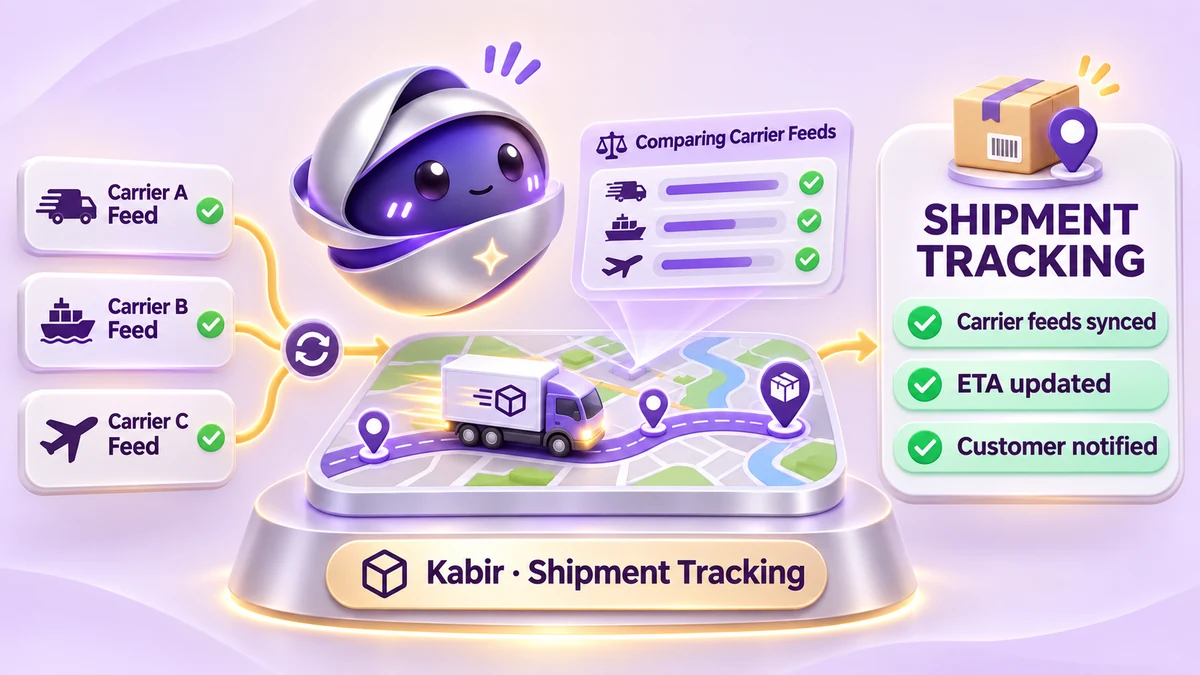
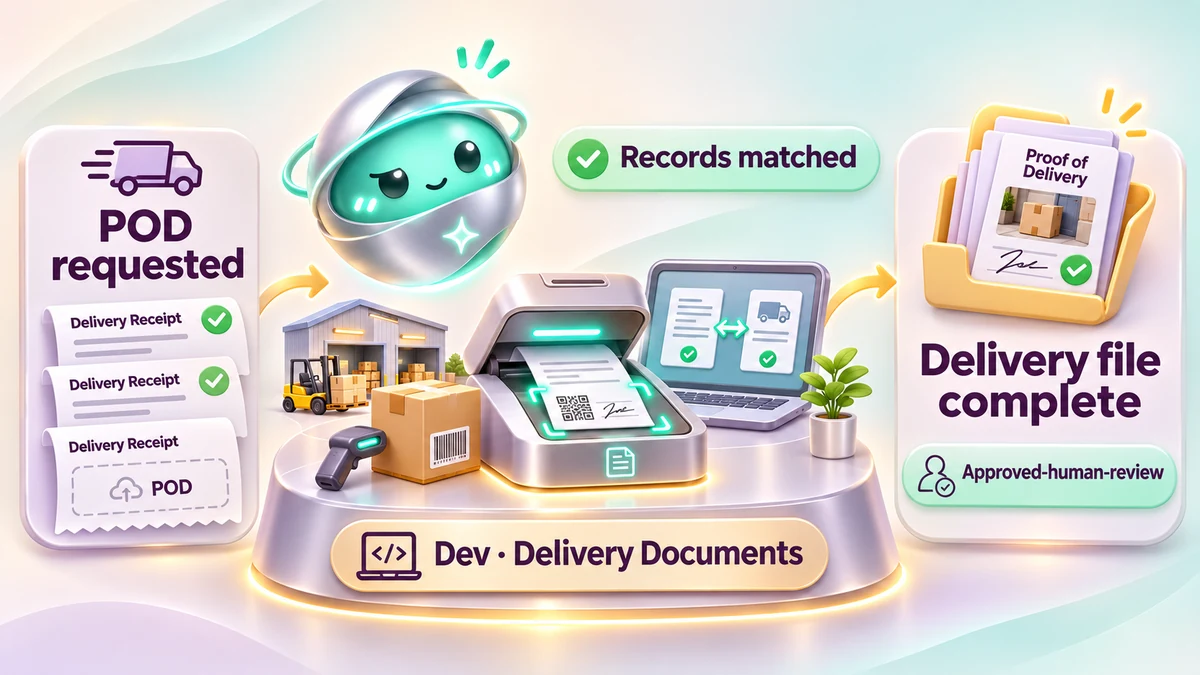
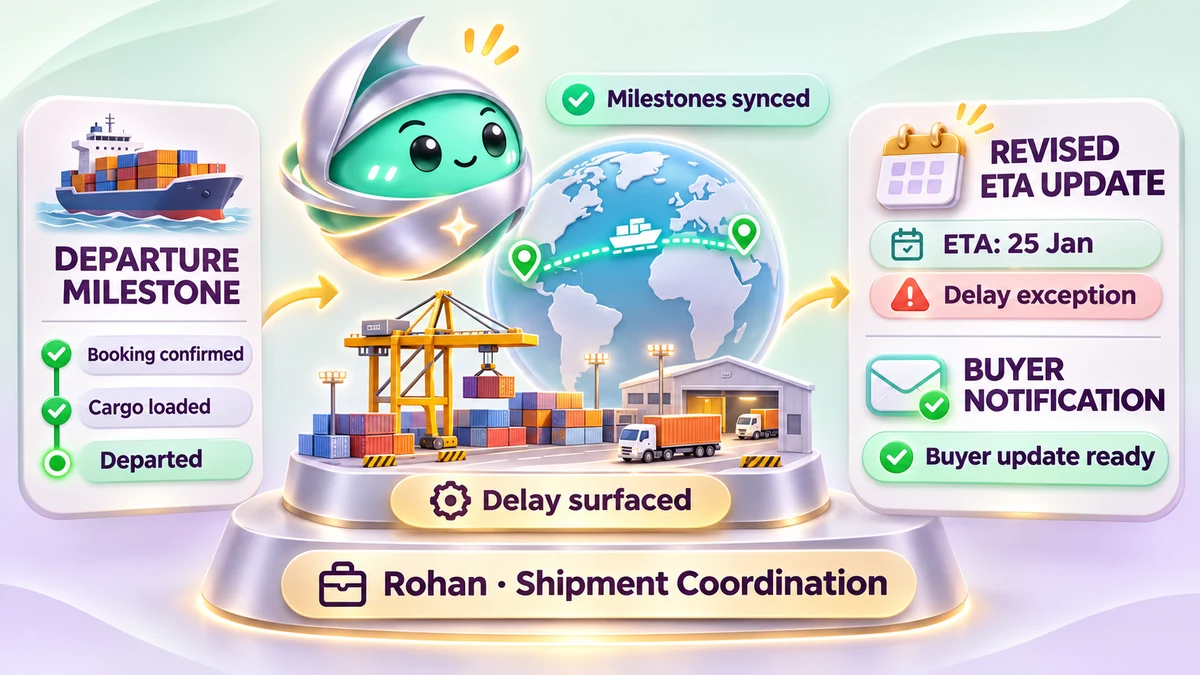
Support shipment tracking, customer updates and document follow-ups.
Explore industry
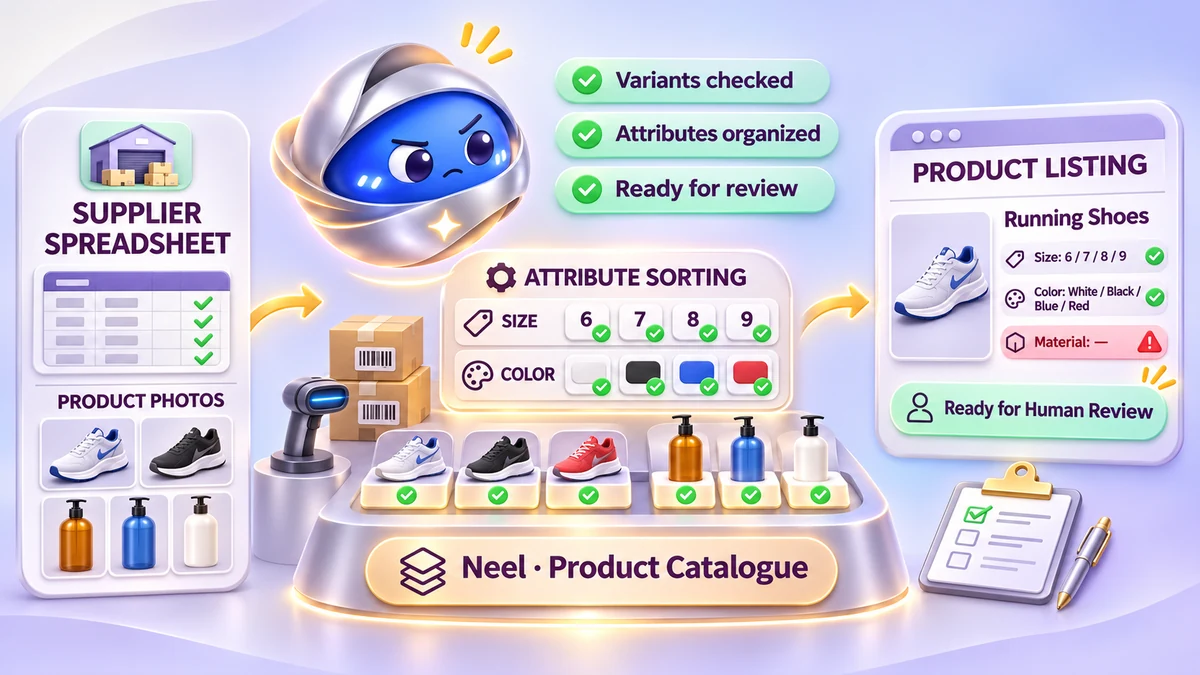
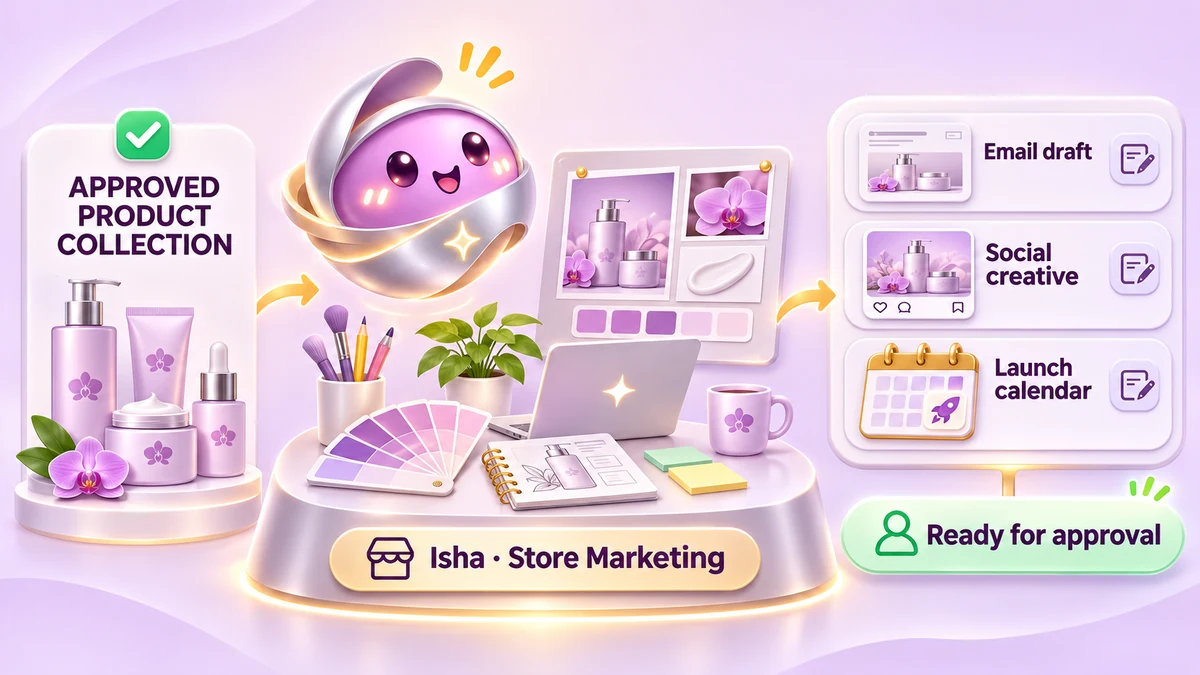
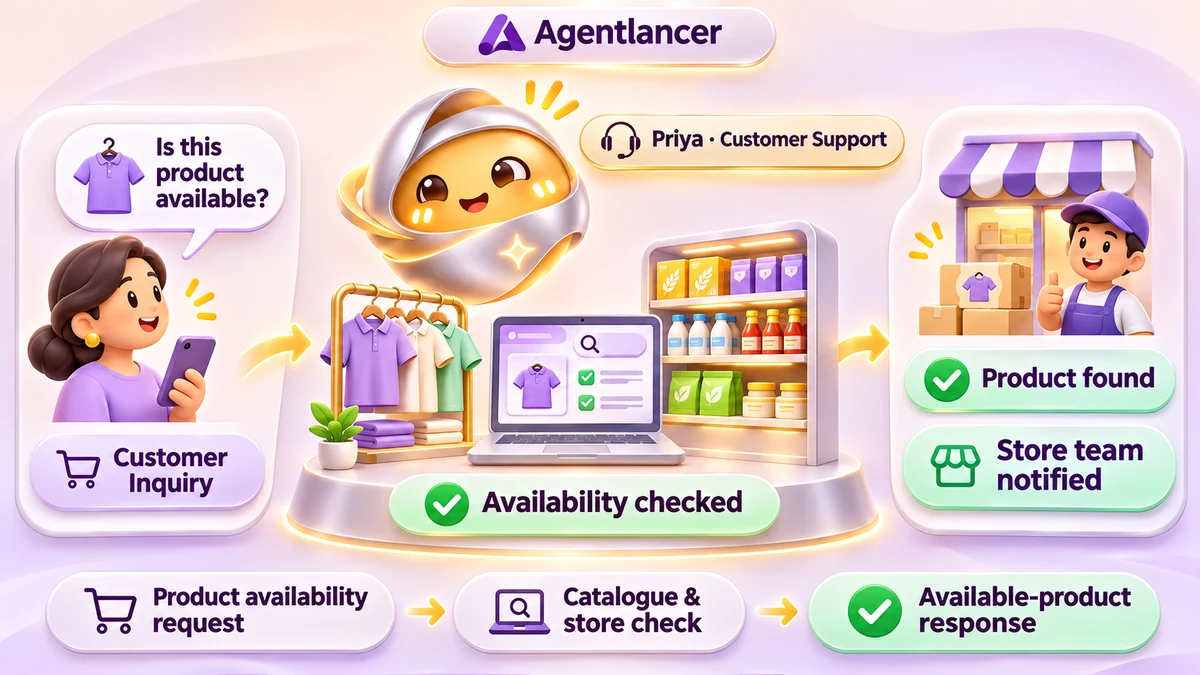
Support customer enquiries, product listings and store marketing.
Explore industry
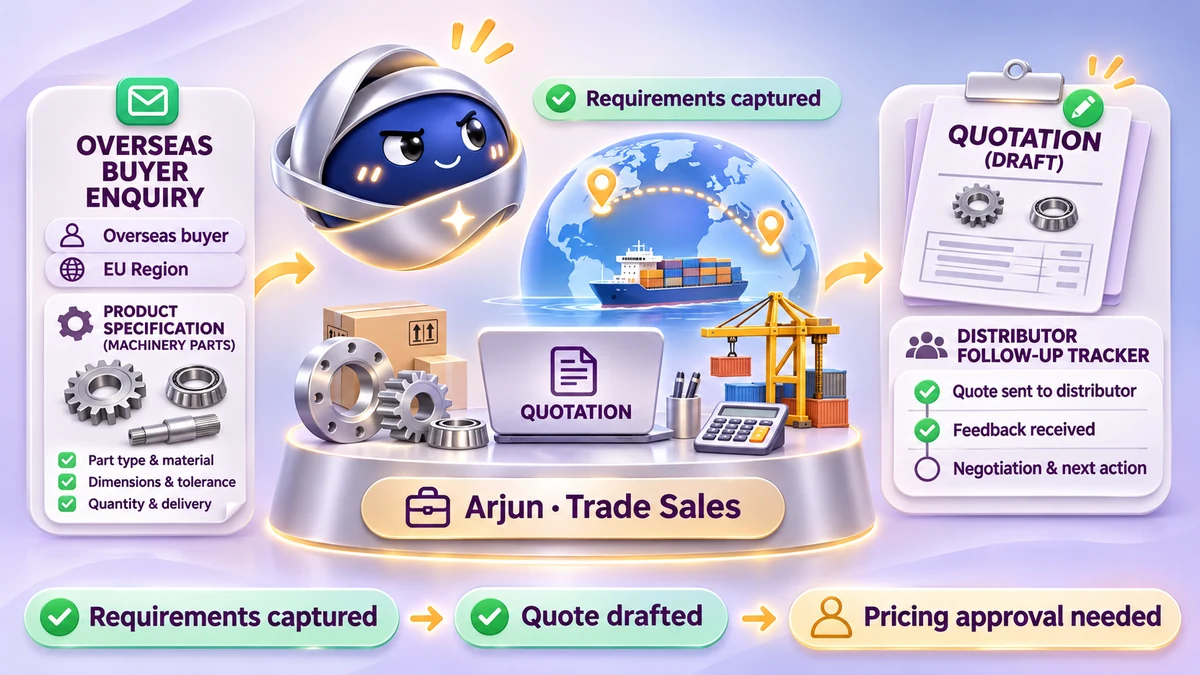
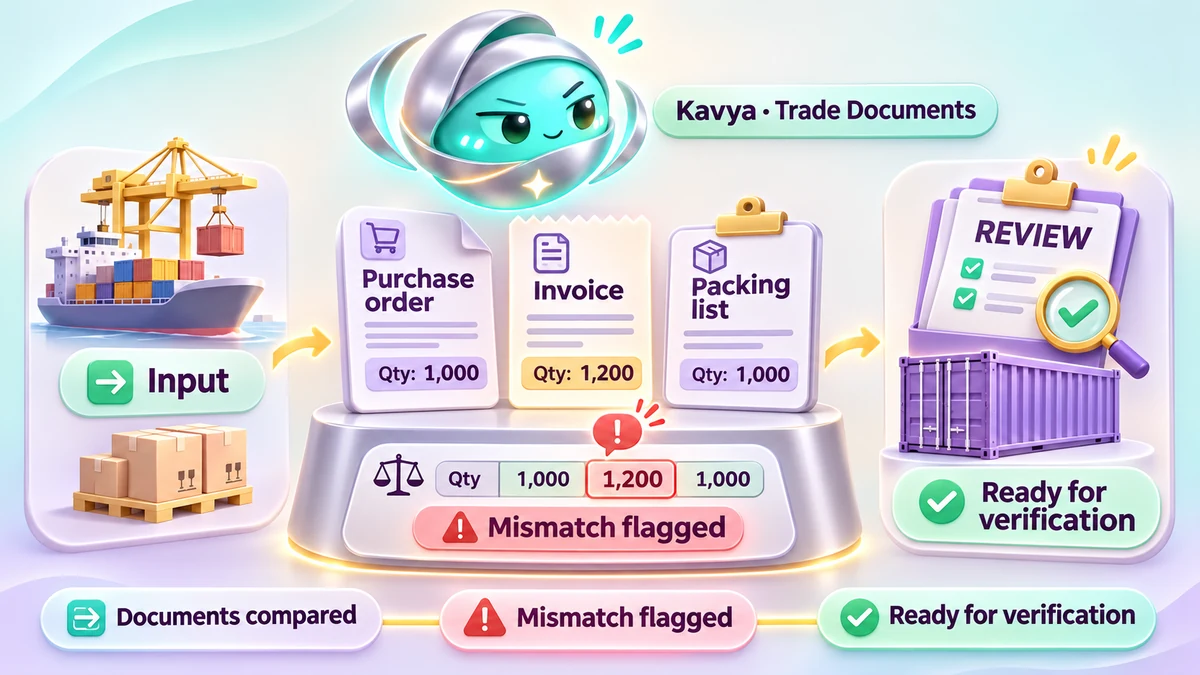
Support buyer follow-ups, trade documents and shipment updates.
Explore industry
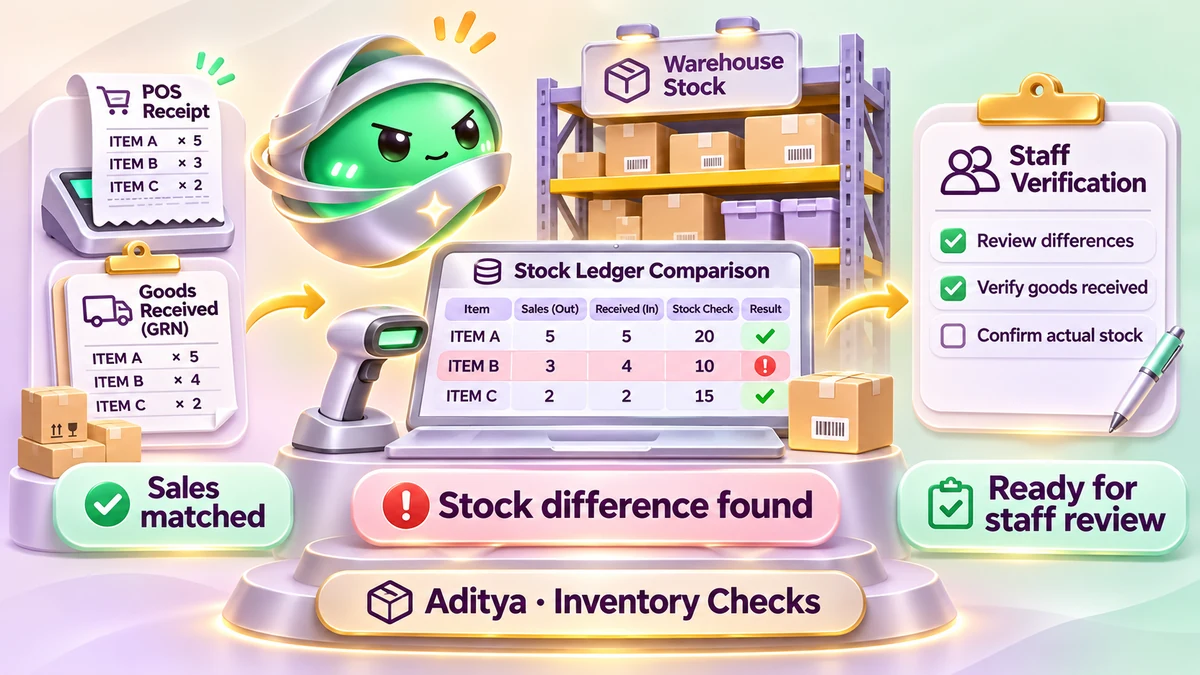
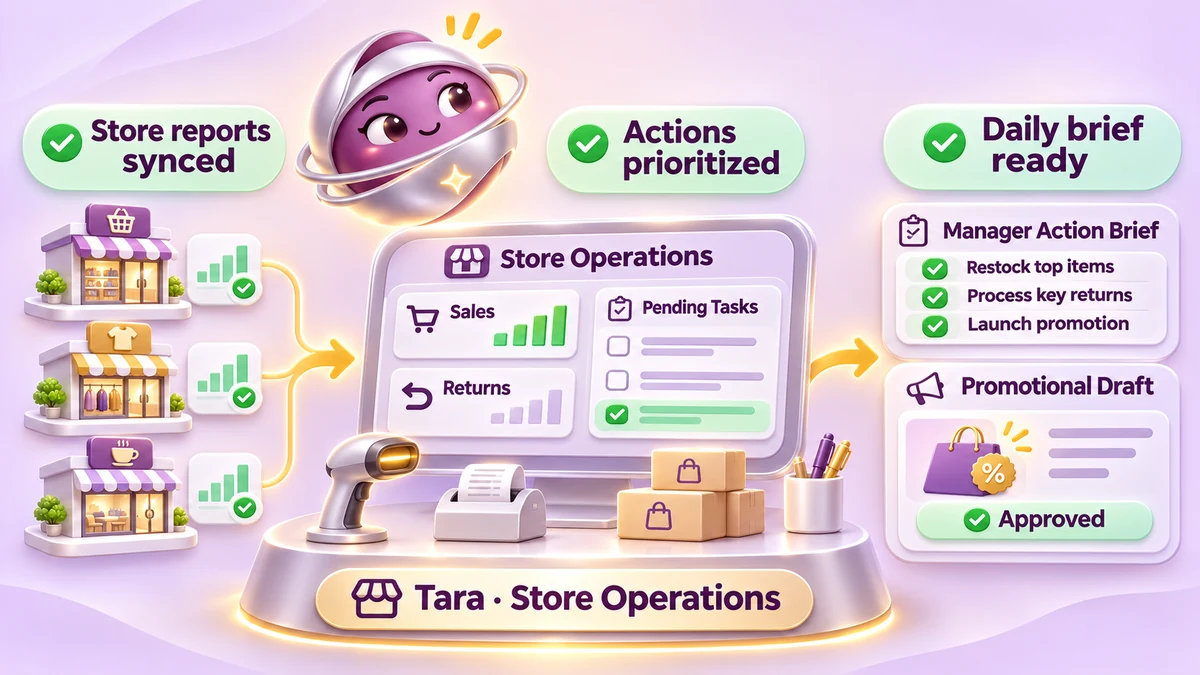
Support customer enquiries, stock records and store reporting.
Explore industry
Support customer enquiries, collection sharing and showroom appointments.
Explore industry
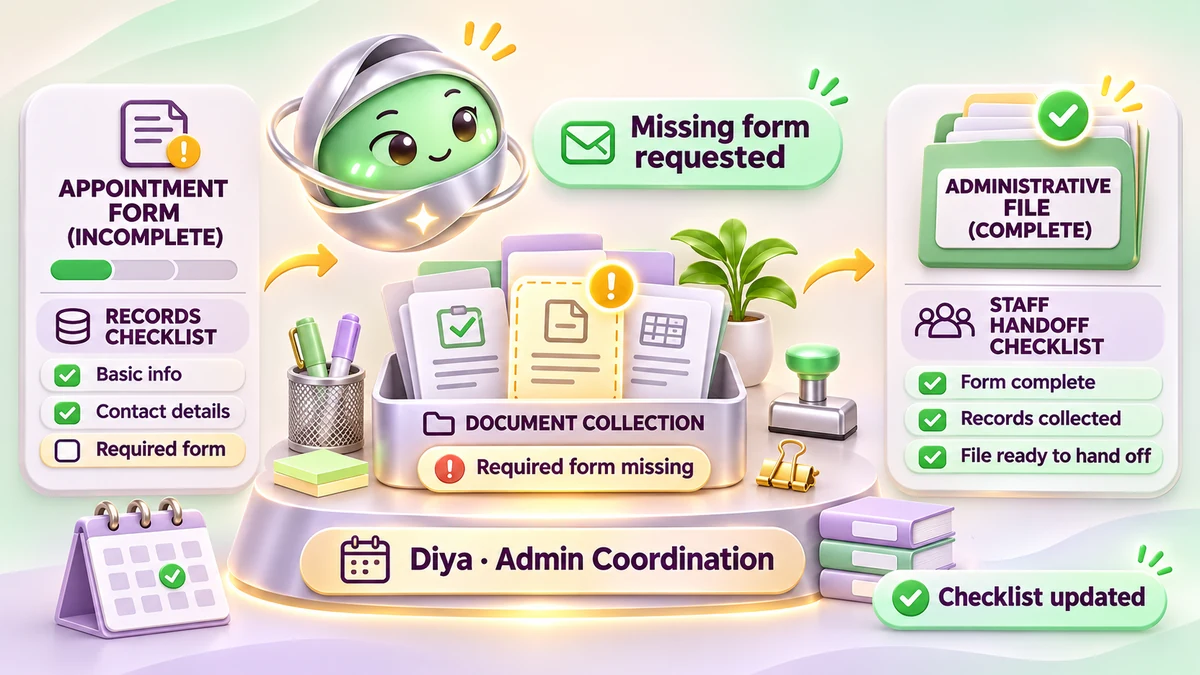
Support appointment scheduling, administrative forms and staff handoffs.
Explore industry
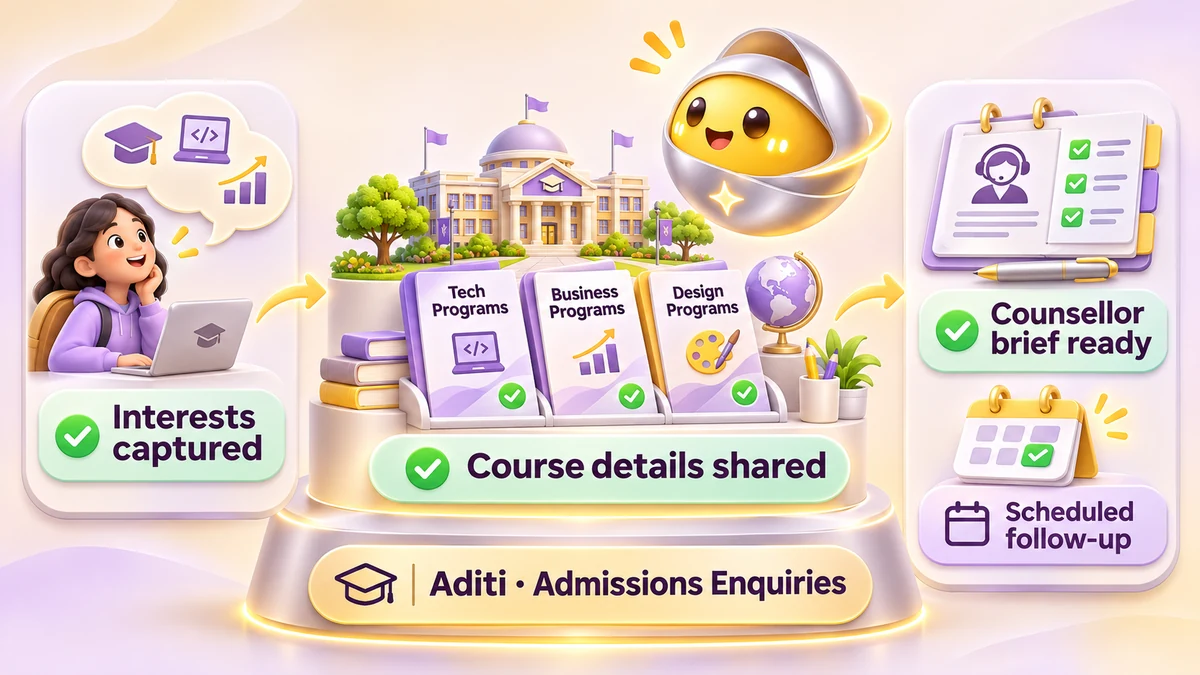
Support admissions enquiries, appointment scheduling and document follow-ups.
Explore industry
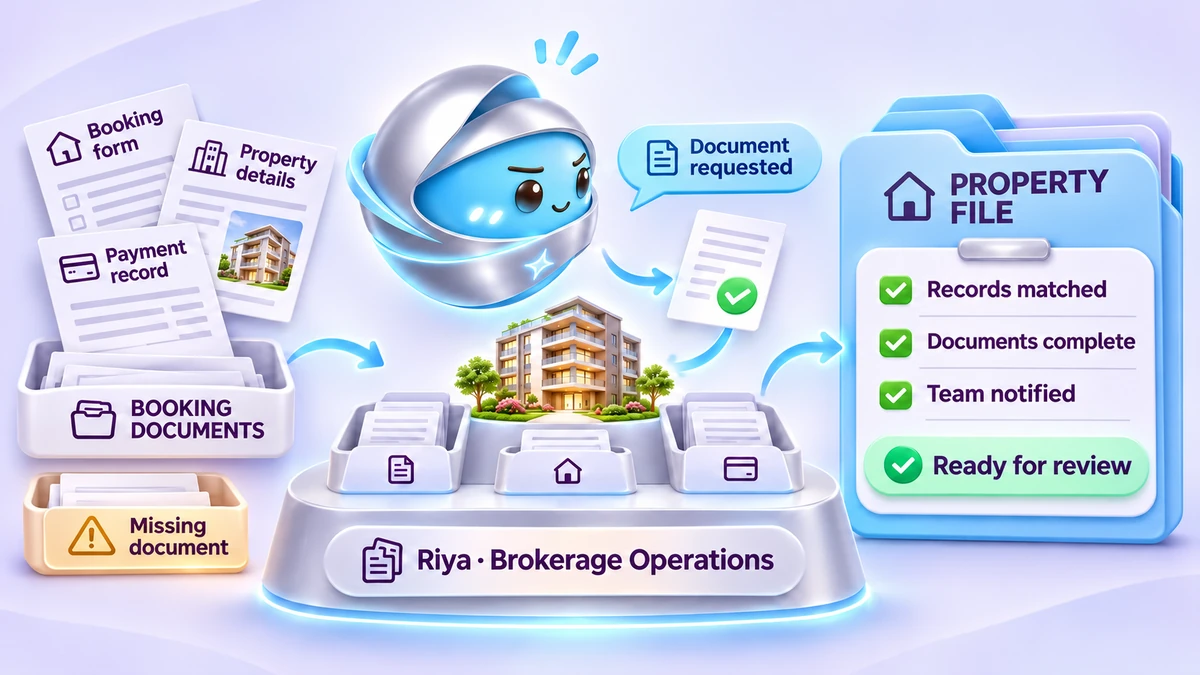
Support client documents, working papers and compliance follow-ups.
Explore industry
Support matter files, document drafts and client follow-ups.
Explore industryPLAN YOUR TEAM
Choose the team size and service period. Start with a defined responsibility and adjust the plan as you see results.
Bring the outcome you want. We connect the tools and look after the backend, while you review results and refine instructions.

Feedback on Agentlancer’s AI Employees.
Answers about access, permissions, exceptions, and pricing before you delegate a responsibility.
An AI employee is software set up to carry out a defined business responsibility. It can understand requests, use approved information, and perform agreed steps across connected tools. Before setup, you define the expected outcome, what access it needs, and when a person should review or intervene.
A service day is the unit used to price an AI employee role. The written proposal sets out the responsibilities, expected deliverables, service dates, and support covered. It also identifies any separate costs or dependencies so your team can confirm what is included before committing.
Agentlancer maps the work, connects the approved tools, tests the setup, and monitors and maintains the backend within the agreed scope. Your team sets priorities, reviews outcomes, and updates the instructions as the role evolves. We agree who handles exceptions and support before launch.
We start with the tools your team already uses. During scoping, we check what data the AI employee can read, which actions the tools support, and what permissions those actions require. We confirm the supported connections and any limits before your team shares access.
Yes, when the ERP supports the required actions and your team grants the appropriate permissions. We agree which records it can read or update, what validations it should run, and which changes need approval. Your team can require it to route transactions or data conflicts to a person before making changes.
It can compare records against the sources and checks you approve, then identify missing values, conflicting records, or duplicates. Your rules determine whether it may update a record, request missing information, or send the discrepancy to a person with the supporting context.
Agree on how the AI employee should handle incomplete inputs, conflicting details, and failed actions before it starts. It can flag an exception and send the available context to the person responsible. Your team reviews important outcomes and can refine the operating instructions as it learns where extra checks are needed.
Availability and setup dates depend on the role, the tools it needs, and the responsibilities you want to delegate. After discussing those requirements, the team shares a written proposal covering the scope, price, payment terms, and cancellation terms for you to review.
The AI employee is your team’s point of contact and coordinates the work. It can call one or more workflows to run established steps consistently. When it needs a rules check, calculation, or lookup, it can call an IQ MCP server and use the result to continue or escalate the request.
LET’S PLAN YOUR AI EMPLOYEE
Book a free strategy call. Tell us what takes up your team’s time, the tools you use and the outcome you want. We’ll help define your first AI employee’s role.