Approve important actions
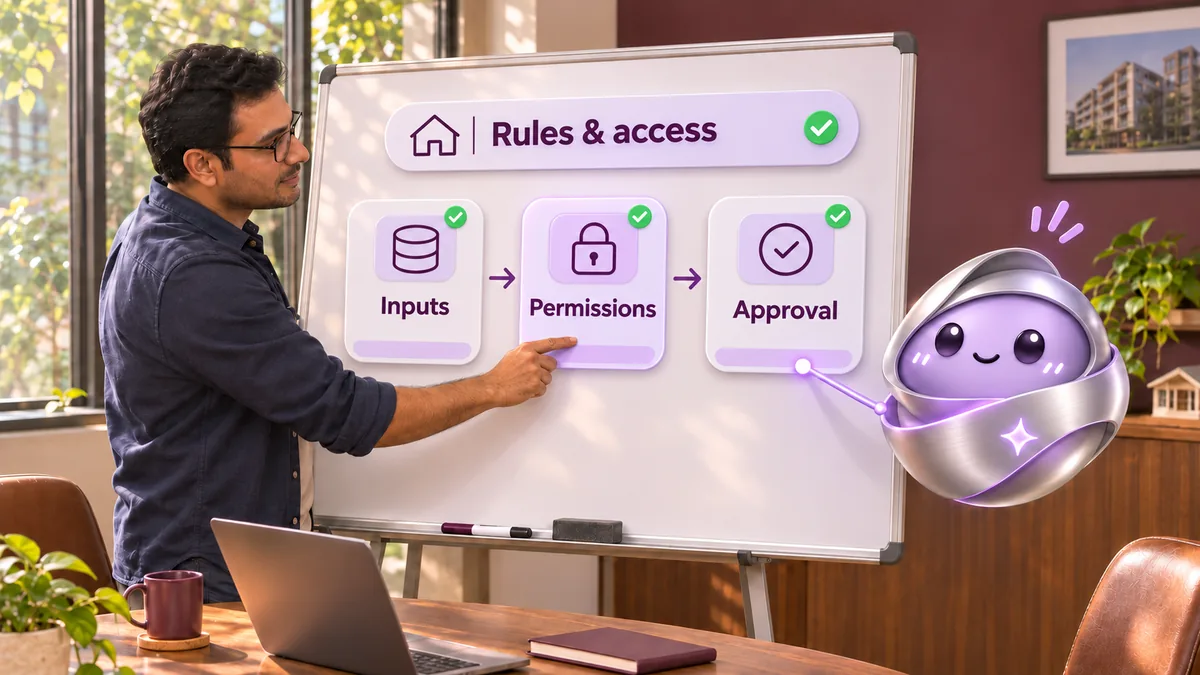
Require a named reviewer for commitments such as a purchase, a refund, or a change to pricing.
Purchase or refundYour approval
WORKFLOW AUTOMATION
Connect your apps, check the details, and route approvals automatically. Your team steps in when a decision needs a person.
WHAT IS A WORKFLOW?
A workflow follows the same steps and rules every time it runs. Your team decides how it starts, what it does, and when it needs someone’s approval.
An AI employee can run a workflow as part of a larger job.
Begin when the conditions you set are met.
Follow the steps in order and wait for approval when needed.
Record the result or tell your team if something needs attention.
HOW IT WORKS
Choose one operation. Agree on the result, test the exceptions, and give each decision a named owner before launch.
Identify what starts the work, which systems and information it uses, and what a successful run should produce.

Approve the required checks, where work must wait for a decision, and who handles missing or conflicting information.
Connect the approved tools and test normal runs, failed validations, and approval handoffs with your team.

We monitor and maintain the workflow within your support plan. Your team reviews completed runs, decides how to handle exceptions, and directs changes to the process.

YOU SET THE BOUNDARIES
You decide where the workflow can continue and where it must pause for a person. We document those boundaries before connecting the tools.
Require a named reviewer for commitments such as a purchase, a refund, or a change to pricing.
Choose who receives an alert when a step fails or a decision needs human input.
Confirm which tools and information the workflow can use before connecting them.
ONE-TIME WORKFLOW PRICING
Choose how many apps the workflow needs to connect.
List each app once. We map the checks, approvals, and handoffs across those tools before agreeing on the build.

Feedback on Agentlancer’s Workflows.
Understand the tools, approvals, and support behind a live workflow.
Tell us how the operation should run and who makes each decision. We handle the technical setup and walk your team through reviewing results, handling exceptions, and requesting changes.
We begin with your current tools and check how they can exchange the information the process needs. If an integration has limitations, we explain what can be connected and what would require a change. You can review those options before agreeing on the build.
A workflow runs an approved sequence of validations, approvals, and handoffs. An AI employee owns the broader job, calls workflows when it needs them, and communicates with your team or customers.
Timing depends on the number of systems involved, the available access, and the decisions or exceptions the workflow must handle. We review those dependencies with you and agree on a delivery schedule, including time for testing and your team’s review.
During scoping, we define how to detect failures, where the workflow should stop, and who should receive an alert. We test normal and exceptional cases with your team. The agreed scope also identifies who monitors the workflow and handles support after launch.
Yes. Pick a recurring operation with a clear owner and a result you can check. After launch, review completed runs and exceptions with that owner before deciding whether to expand.
LET’S PLAN YOUR AI EMPLOYEE
Book a free strategy call. Tell us what takes up your team’s time, the tools you use and the outcome you want. We’ll help define your first AI employee’s role.